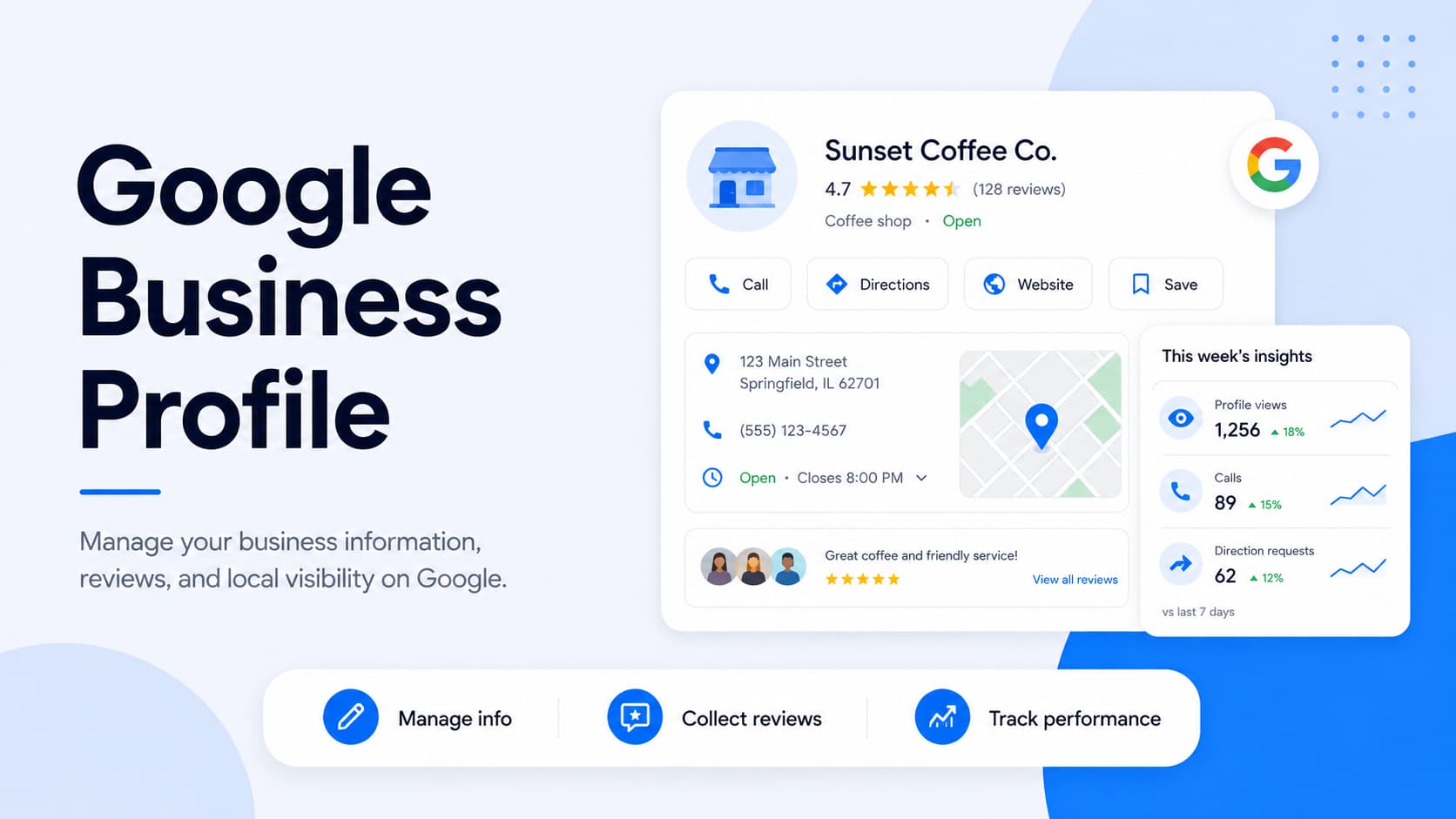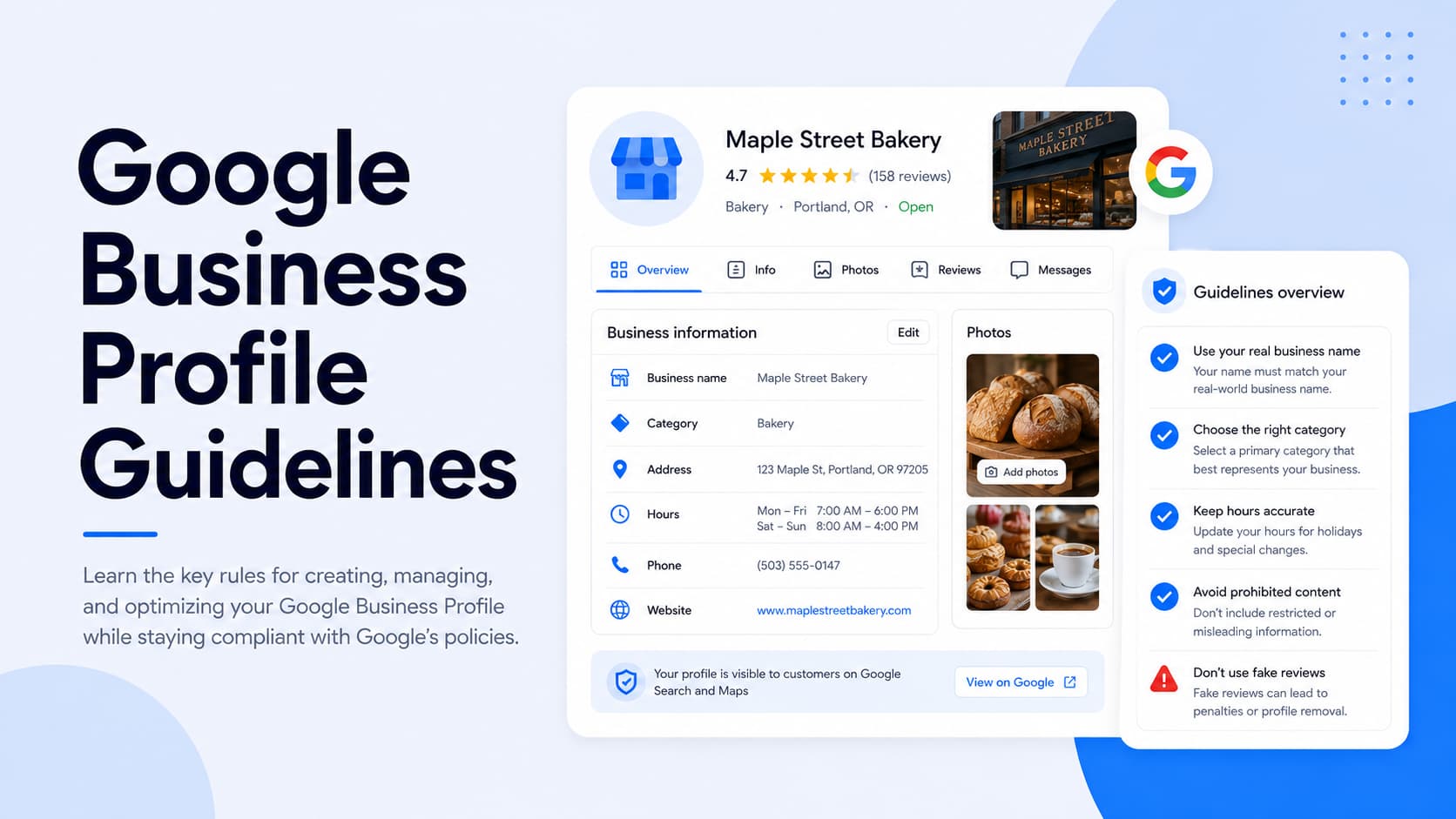
Your Google Business Profile decides whether local customers find you or scroll past you.
A profile that follows Google's rules earns visibility in local search, Google Maps, and the map pack. Break those rules and Google can suspend the profile, pulling it from search without warning.
Google is also where most people start looking. In our State of Online Reviews report, 86% of consumers said they use Google to look up reviews of businesses. The profile that shows up there, and stays up, carries real weight.
This guide walks through every guideline that matters: eligibility, each profile field, reviews, special business types, and what to do if your profile gets suspended.
What are Google Business Profile guidelines?
Google Business Profile guidelines are the rules and recommendations Google uses to decide what businesses can list and how. They cover who qualifies, how you represent your business, and what content you're allowed to publish.
Not every guideline carries the same weight:
- Recommendations point you toward better performance. Skipping them can cost you visibility, though it won't get your profile pulled.
- Enforceable rules are mandatory. Break one and Google can remove content, suppress your ranking, or suspend the profile entirely.
Google can update these rules whenever it wants, and it usually doesn't send a notice when it does. The wording you read today might shift, so it's worth re-checking the official pages periodically.
Two failure modes are worth keeping in mind:
- Suspension takes your profile down entirely. It stops showing in Search and Maps until you get it reinstated.
- Ranking suppression is quieter. Your profile stays live but slips in local results, so you lose visibility without an obvious cause.
Who's eligible for a Google Business Profile
The core requirement is simple: your business has to make in-person contact with customers during the hours you say you're open. A physical storefront qualifies, and so does a service-area setup where you travel to customers.
Some business types don't qualify at all. Google's eligibility rules exclude:
- Online-only businesses: Brands, organizations, and artists with no in-person customer contact can't create a profile. Selling exclusively through a website doesn't meet the bar.
- Lead generation companies: Agents and companies that route leads to other businesses aren't eligible. The profile has to belong to the business serving the customer.
- Rental or for-sale properties: Vacation homes, model homes, and vacant apartments don't qualify. There's no ongoing in-person business operating there.
- P.O. box addresses: A mailbox or remote mailing address isn't an acceptable business location. Google suspends profiles that use one.
Most suspensions that hit at the setup stage trace back to an eligibility problem. If your business model doesn't involve meeting customers face to face, a Google Business Profile isn't the right tool, and forcing one invites a fast suspension.
Get more Google reviews for your business
Generate more Google reviews for your business with LocalImpact's automated tools.
Represent your business accurately
One principle sits underneath every field-level rule: your profile has to match how your business exists in the real world. Google wants the name, address, and details on your profile to line up with your signage, stationery, and branding.
This is the test Google applies when something looks off. If your listed name, location, or category doesn't match what customers encounter in person, Google can reject the edit or flag the profile.
Keeping everything consistent across your profile, website, and other listings does double duty. It keeps you compliant, and it helps customers recognize you wherever they run into your business.
Business name rules
Your business name on Google has to be your real-world name, the one on your storefront sign, your website, and your legal paperwork. Adding anything extra is one of the most common ways profiles get flagged.
Google's naming rules prohibit:
- Marketing tagline: A slogan attached to your name gets stripped out. "TD Bank, America's Most Convenient Bank" needs to read simply as "TD Bank."
- Location keywords: City or neighborhood names don't belong in the name field unless they're part of your registered name. "Joe's Plumbing Seattle" should just be "Joe's Plumbing."
- Phone numbers and URLs: Contact details have their own fields and can't sit in the name. A name like "Airport Direct 1-888-557-8953" trims down to "Airport Direct."
- Trademark and registered symbols: Drop the ® and ™ from the name field. You can keep them only if they consistently appear in your real-world branding.
- Fully capitalized words: Names follow standard capitalization, so "SUBWAY" becomes "Subway." Acronyms that are genuinely capitalized in the real world, like "KFC" or "IHOP," are fine.
- Service or product descriptors: Extra words describing what you sell get removed. "Verizon Wireless 4G LTE" has to be entered as "Verizon Wireless."
There's a narrow exception. If your real-world branding genuinely includes special characters or legal terms, like "Re/Max" or "Toys ''R'' Us," you can keep them, though Google may ask for proof such as signage, business cards, or invoices.
Practitioners have their own naming rule, covered in the special business types section below.
Address and service area rules
How you handle your address depends on which of three categories your business falls into:
- Storefront businesses have a location customers visit. You list the full address publicly, and it shows on Maps.
- Service-area businesses travel to customers and don't receive them at a base location. You hide the address and define the geographic areas you serve.
- Hybrid businesses do both. A repair shop with a garage customers visit and a van that goes out to jobs can show its address and set a service area.
A few rules apply across all three:
- Hide a home address if you're a service-area business: A plumber running the business from home should clear the address from the profile and show only the service area. Google is explicit that residential addresses shouldn't display for these businesses.
- Keep service areas reasonable: Google's guidance caps a service area at roughly two hours of driving time from your base. You can list up to 20 areas using cities, ZIP codes, or regions.
- Virtual offices don't qualify: A rented mailing address you don't actually work from isn't eligible. Google detects these through address clustering and suspends them.
- Co-working spaces have conditions: They qualify only if your business has clear signage, receives customers during business hours, and is staffed by your own team during those hours. Renting a desk a couple of days a week doesn't meet the standard.
Phone number and website rules
Your contact details need to point straight to your actual business location:
- Use a local number: A phone number tied to the specific location works better than a central call-center line, and it has to be under your business's direct control. Premium-rate numbers aren't acceptable.
- Skip lead-routing numbers: Numbers that forward callers to a third party or a shared lead service violate the rules. The number has to reach your business, not an aggregator.
- Link to the location's own page: Your website field should point to the page for that specific location. A franchise can link to its location-specific page on the corporate site as long as that page carries the local details.
Call tracking numbers sit in a gray area worth understanding. Google can allow them when the number forwards to your real business line and you control it, though a tracking number that routes to a call center for multiple businesses can get flagged as deceptive.
Get more Google reviews for your business
Generate more Google reviews for your business with LocalImpact's automated tools.
Business hours rules
Your hours need to reflect when customers can actually reach you. Google treats accurate hours as part of representing your business honestly, and listing 24-hour availability you don't truly offer can put the profile at risk.
Some industries have specific rules for which hours to post:
- Banks use lobby hours when possible, and an attached ATM can run its own profile with its own hours.
- Car dealerships use sales hours, defaulting to new-car sales hours when new and used differ.
- Gas stations use the hours the pumps are available.
- Restaurants use dine-in hours first, falling back to takeout or drive-through.
- Storage facilities use office hours, or front-gate hours when there's no office.
Google also says some business types shouldn't post fixed hours at all:
- Appointment-only and varied-schedule businesses, like those running classes, showtimes, or worship services.
- Hotels, theaters, schools, and transportation services, where set hours tend not to display in the knowledge panel anyway.
Category rules
Categories tell Google what your business is, which decides the searches you show up for.
Google's test for categories is whether the category completes the sentence "this business IS a." A bookstore with a coffee counter still isn't a coffee shop, so it lists "Book Store" and leaves "Coffee Shop" off.
A few rules shape how you choose:
- Use the fewest categories that cover your core business: Pick the most specific primary category, then add only the secondary ones that genuinely apply. Google fills in the broader categories behind the scenes.
- Be specific over general: "HVAC contractor" describes the business better than "Contractor," and specificity helps you rank for the right searches. Use a general category only when no specific one fits.
- Don't use categories as keywords: Categories aren't a place to stuff services or attributes you hope customers will search for. They describe what the business is, full stop.
Content guidelines: description, photos, videos, and posts
Beyond the structured fields, Google has rules for the content you add:
- Business description: Keep it relevant to what you offer, with no links and no promotional pricing like "50% off everything." Use it for your services, mission, and history.
- Photos and videos: Images should represent the actual business and skip promotional text overlays, like a storefront photo with "SALE" stamped across it. Stock photos and images from other locations aren't allowed.
- Google Posts: Posts follow the same content rules as the rest of your profile, so no spam, misleading claims, or prohibited content. Keep them professional and current.
Further reading: Google Business Profile Optimization: 7 Essential Tips
Review guidelines
Google reviews come with their own set of rules, and they're some of the easiest to break by accident. Google's policies govern how you collect reviews and how you handle them:
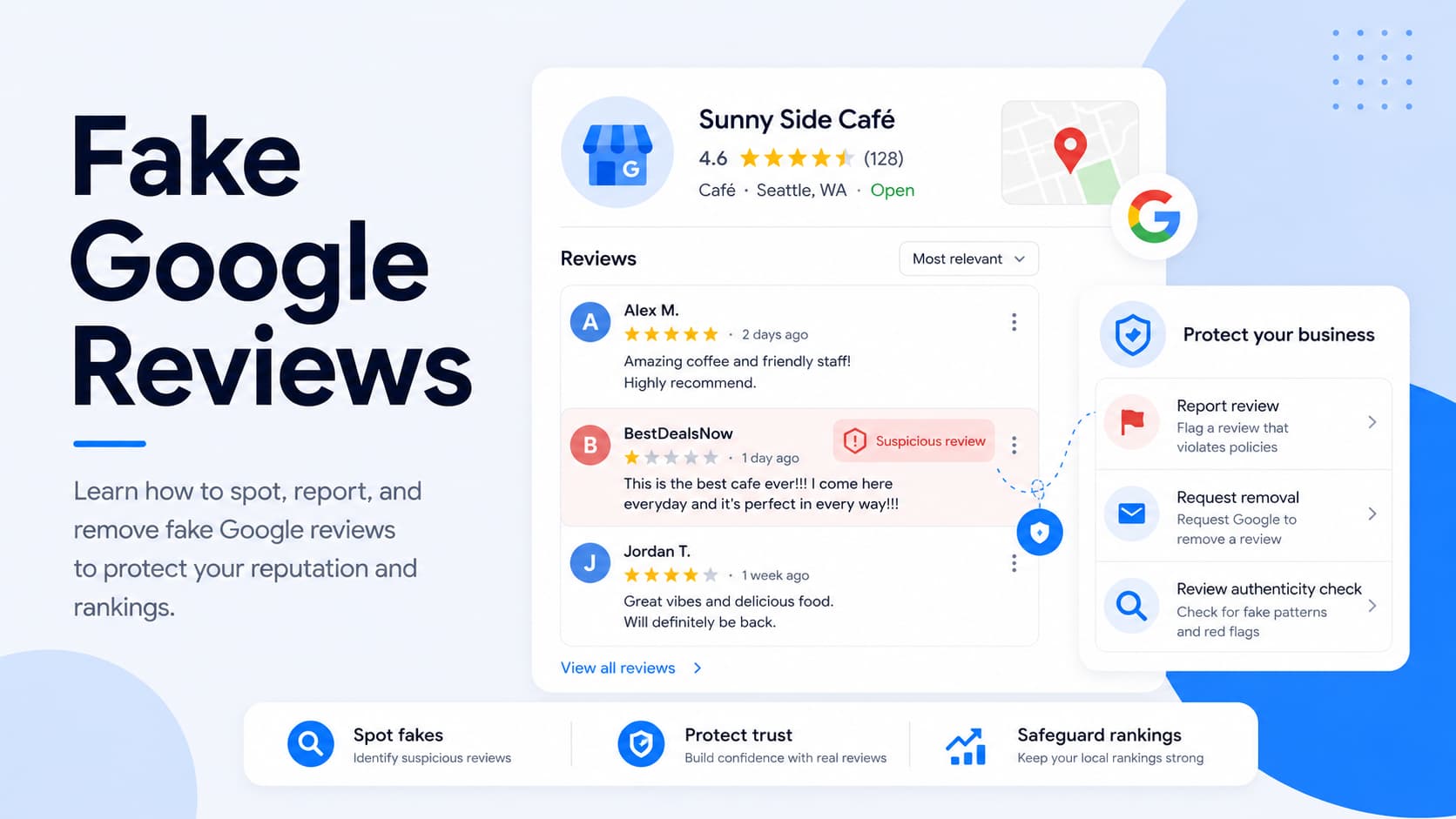
- Don't buy reviews: Purchased reviews violate Google's policies and tend to get caught and removed. They can also trigger penalties.
- Don't offer incentives: Discounts, freebies, or rewards in exchange for a review aren't allowed, even when the review would be honest. The same goes for paying to have a negative review revised or removed.
- Don't gate reviews: Asking only happy customers for reviews while steering unhappy ones elsewhere is prohibited. Every customer should get the same opportunity to leave honest feedback.
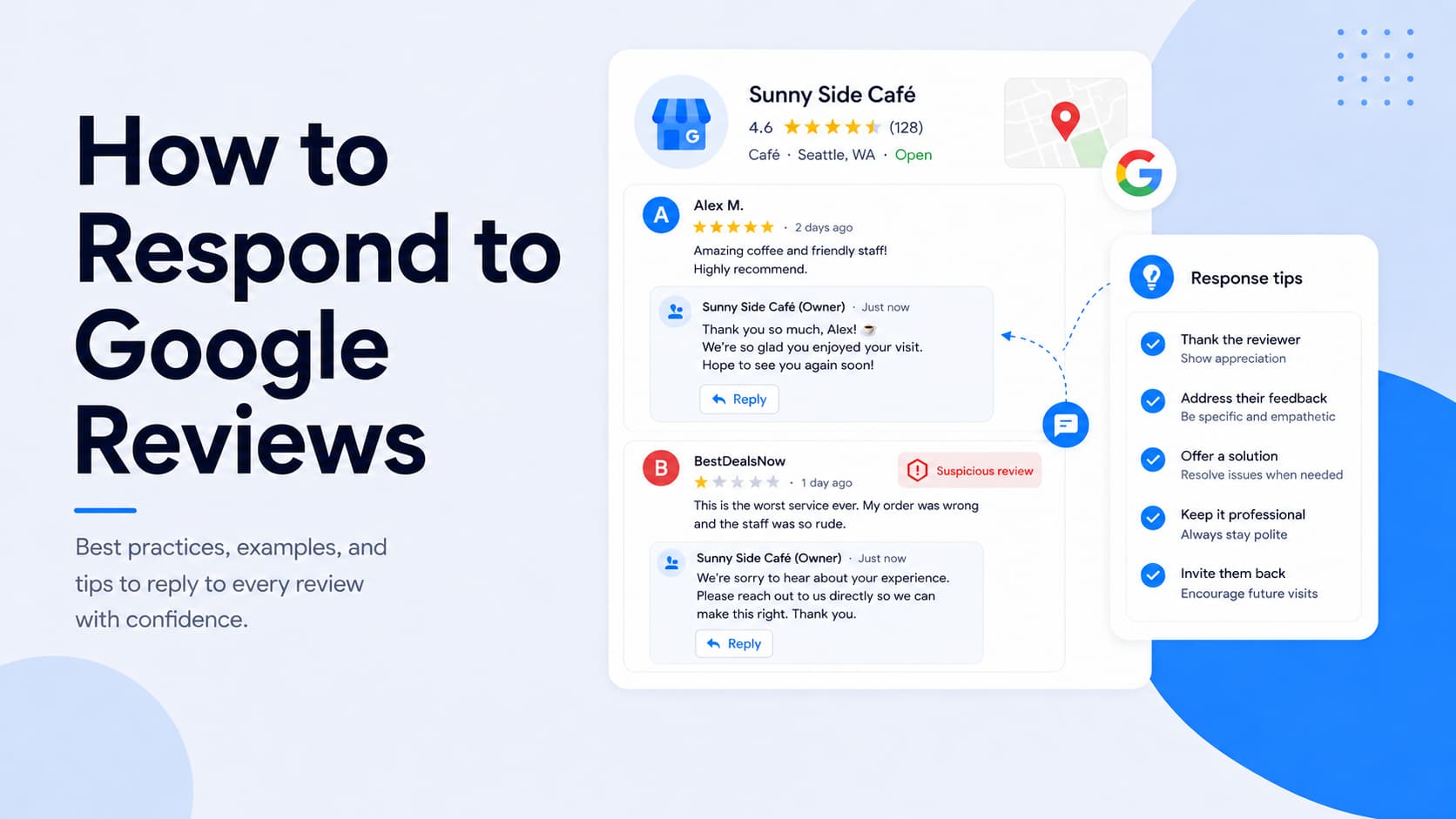
Responding to reviews is both good practice and good for trust.
The timing matters, with 70% of consumers expecting a business to reply within one to three days, and a thoughtful reply pays off, since 78% say a considered response to a negative review made them more likely to trust the business.
Further reading: How to Respond to Google Reviews (with Examples & Templates)
Special business types: chains, departments, and individual practitioners
Some business structures have extra rules layered on top of the basics:
- Chains and brands: Keep names and categories consistent across every location. Each one uses the same name unless real-world branding genuinely varies, and locations offering the same service share the same category.
- Departments: A department within a larger business, university, or hospital can have its own profile when it operates as a distinct entity. It needs a separate customer entrance, a distinct category, and a name different from the main business, like "Sears Auto Center" alongside the main Sears.
- Individual practitioners: Doctors, lawyers, and real estate agents can have their own profile under their name. The name can include a title or degree (Dr., MD, JD, Esq.) and nothing else, so a realtor can't tack "Realtor" or "Real Estate Agent" onto their name.
Why profiles get suspended
Most suspensions come down to a handful of triggers. Watch for these to stay compliant:
- P.O. box or fake addresses: A mailbox address or a location where you're not physically present gets profiles suspended. Google verifies existence against multiple sources.
- Identity or location changes: Significant edits to your business name or location can read as fraudulent and get rejected or flagged. A genuinely changed business should mark the old profile closed and start fresh.
- Duplicate listings: More than one profile for the same location causes problems, so each business location should have exactly one.
- Keyword stuffing: Cramming search terms into your business name is a common and well-detected violation. Google's systems catch it quickly.
- Connected product restrictions: A profile tied to another Google account can go down if that account gets restricted, even when the profile itself did nothing wrong.
Connected-account restrictions catch a lot of people off guard. When a linked Google product gets restricted and takes your profile with it, you'd need to reinstate the connected account first before the profile can come back.
How to fix a suspended profile
If your profile gets suspended, you can reinstate it by following these steps:
- Review the guidelines: Read Google's guidelines for representing your business and pin down exactly which rule your profile may have crossed.
- Gather evidence: Collect documentation that proves your business is legitimate and located where you say, like utility bills, licenses, and photos of your signage.
- Submit your appeal: File the reinstatement request with your evidence attached, then wait for Google to review it.
Timelines vary, so fix the underlying violation first, then appeal. An appeal that still contains the original problem tends to get rejected, which only adds to the wait.
Guidelines for agencies and authorized representatives
If you manage profiles for clients, or you're a business owner hiring someone who does, Google has rules specifically for authorized representatives. Anyone managing a profile they don't own falls into this category.
The core obligations:
- Get consent first: Never claim a profile without the owner's express permission, and always work directly with them on verification.
- Stay transparent: Keep the owner informed about what you're doing on the profile, and make sure they understand what a Business Profile is and where its data appears.
- Transfer ownership on request: Respond promptly to access requests and hand ownership back to the business owner whenever they ask.
There's a real risk worth flagging for owners. If your agency violates Google's guidelines, your profile can get suspended for their mistake, and reinstatement isn't guaranteed. Vetting an agency's GBP track record before handing over access protects the asset.
Frequently asked questions
What happens if my Google Business Profile violates the guidelines?
Google can remove specific content, suppress your ranking, or suspend the profile entirely. A suspension pulls your listing from Search and Maps until you fix the issue and get reinstated, which can take a few weeks.
Can I use a tracking phone number on my profile?
You can, as long as the number forwards directly to your business line and you control it. Numbers that route to a third-party call center serving multiple businesses can get flagged as deceptive.
Why did my Google Business Profile get suspended?
The usual culprits are an ineligible or inaccurate address, a keyword-stuffed business name, duplicate listings, or a major edit to your name or location. A restriction on a connected Google account can also bring it down.
Do Google Business Profile guidelines change often?
They do, and Google usually doesn't announce updates. It's worth re-reading the official guidelines periodically so a quiet wording change doesn't catch you out.
Bringing it together
A compliant Google Business Profile is the foundation everything else sits on. Get the rules right and you stay visible in Google Search, Google Maps, and the local map pack, the three places where most customers first run into your business.
This matters more as AI reshapes how people find businesses. AI tools can now surface your business to people who've never heard of you, putting a fresh set of eyes on your profile. A suspended or thin one undercuts that exposure before it can do any work.
The good news is that staying compliant isn't complicated once you know the rules. Represent your business honestly, keep every field accurate and consistent with the real world, and re-check Google's guidelines now and then so a quiet update doesn't catch you out. Do that, and your profile keeps working for you instead of putting your visibility at risk.