Most customers are happy to leave a review when the process takes seconds. A "Review us on Google" sticker turns that willingness into actual reviews by putting the prompt right in front of them at your business.
There's one thing you should know before you go looking for the sticker, though. Google discontinued the official tool that used to provide it, and most guides you'll find online still point to a page that no longer exists.
The good news is that getting a sticker is now faster than it ever was through Google. This guide covers what the sticker is, what happened to Google's official version, and how to create your own in under a minute.
What is the "Review us on Google" sticker?
A "Review us on Google" sticker is a small sign that invites customers to leave a review on your Google Business Profile. You'll typically see one on a storefront window, at a checkout counter, or printed on receipts and business cards.
Modern versions include a QR code that links directly to your Google review form. A customer scans the code with their phone camera, the review form opens, and they can leave their rating and feedback on the spot.
That direct link matters more than it might seem. When customers have to search for your business, find your profile, and locate the review button themselves, many of them give up along the way.
What happened to the Google Business Profile Marketing Kit?
For years, the official source for review stickers was the Google Business Profile Marketing Kit. Businesses could enter their name on the Marketing Kit website and download free stickers, posters, business cards, and social media graphics.
That tool is gone. The Marketing Kit site went offline in 2024, and its old address now redirects to the Google Business Profile homepage. Google hasn't announced a replacement or explained the removal.
This is worth knowing because most articles about Google review stickers still walk you through the old download process. If you've been clicking through outdated guides and hitting dead ends, this is why.
How to get a "Review us on Google" sticker in seconds
You can generate a free, ready-to-print sticker with LocalImpact's Google review QR code generator. Here's the full process:
- Open the generator. Go to the free Google review QR code generator page. There's no account or signup required.
- Search for your business. Start typing your business name and select the correct listing from the dropdown. The tool pulls your Google review link automatically, so you don't need to dig it out of your Business Profile.
- Enter your email address. Your sticker arrives in your inbox, ready to download and print.
The sticker you receive includes your business name, a "Scan QR code to review us on Google" prompt, and a QR code that takes customers straight to your review form. Print it at home or send it to a local print shop, and it's ready to display.
Can't find your business in the search?
This can occasionally happen with certain service-area businesses or newer listings. If your business doesn't appear, you can grab your review link using LocalImpact's free Chrome extension, then use that link to generate your QR code.
Get more Google reviews for your business
Generate more Google reviews for your business with LocalImpact's automated tools.
Where to place your sticker for maximum reviews
Placement determines how many scans your sticker actually gets. Here are the spots that work best:
- Storefront windows and doors. Place the sticker at eye level near your entrance or next to your business hours. Customers walking in or out will see it without any effort on your part.
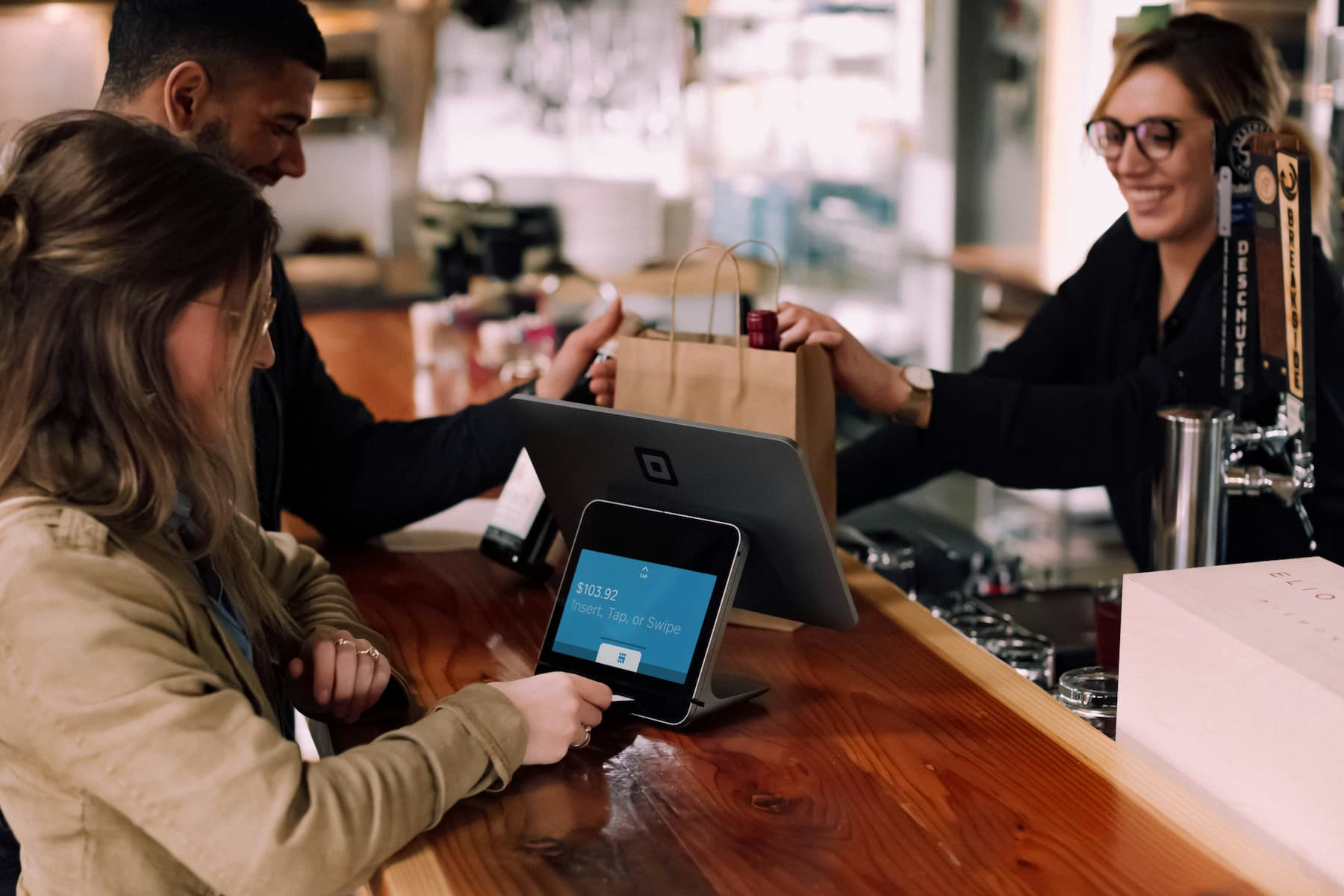
- Checkout counters and POS terminals. The moment of payment is a natural pause where customers have their phones handy. A sticker next to the card reader catches them right after a completed purchase.
- Tables and product displays. Restaurants and retail stores can place stickers where customers spend the most time. A small table tent or shelf sticker invites a review while the experience is still happening.
- Receipts and invoices. Adding the sticker image to printed receipts works especially well for service businesses like plumbers, HVAC companies, and mechanics. The review prompt travels home with the customer.
- Business cards and packaging. Printing the QR code on the back of a business card gives every customer a portable review link. Bags, boxes, and packing slips offer the same opportunity for retail and ecommerce.
- Digital channels. The sticker works just as well in email signatures, follow-up messages, and social media posts. Anywhere your customers already interact with you online is a chance to ask.
Rules to follow when asking for reviews
Review stickers are fully allowed under Google's review policy, but how you ask for reviews is regulated. Keep these rules in mind:
- Ask everyone, no filtering. Selectively requesting reviews from happy customers only, a practice known as review gating, violates Google's policies. Your sticker should be visible to every customer, which conveniently is exactly how stickers work.
- Never offer incentives. Discounts, freebies, or payment in exchange for reviews violate both Google's policies and FTC rules. The FTC finalized a rule against fake and incentivized reviews in 2024, with penalties that can reach tens of thousands of dollars per violation.
- Keep your ask neutral. When you request a review in person, by email, or by text, ask customers to share their honest feedback. Requesting five-star ratings specifically signals that you only want positive reviews, which undermines trust and can backfire if customers mention it publicly.
Why the sticker alone isn't enough
A sticker is a passive prompt. It works on customers who happen to notice it, feel motivated in the moment, and follow through before they get distracted.
Direct requests convert far better. An email or text message sent shortly after a purchase or appointment reaches every customer, includes a clickable review link, and arrives when the experience is still fresh.
The strongest approach combines both:
- The sticker captures in-person moments. It works continuously at your location without any effort from your staff. Customers who are ready to review on the spot have an immediate path to do it.
- Automated requests reach everyone else. Review request campaigns by email and SMS follow up with customers who left without scanning. Each message includes a direct link, so leaving a review takes one tap.
- A review platform ties it together. LocalImpact automates review requests, monitors incoming reviews across platforms, and helps you respond from a single dashboard. Your sticker handles the storefront while the platform handles everything else.
What to do once reviews start coming in
Collecting reviews is the first half of the job. Here's how to get the most value out of the ones you receive:
- Respond to every review. Thank customers who leave positive feedback and address concerns raised in negative reviews calmly and professionally. Potential customers read your responses as closely as the reviews themselves.
- Fix recurring problems. If multiple reviews mention the same issue, treat it as free market research. Resolving the root cause prevents future negative reviews and improves the experience for every customer after that.
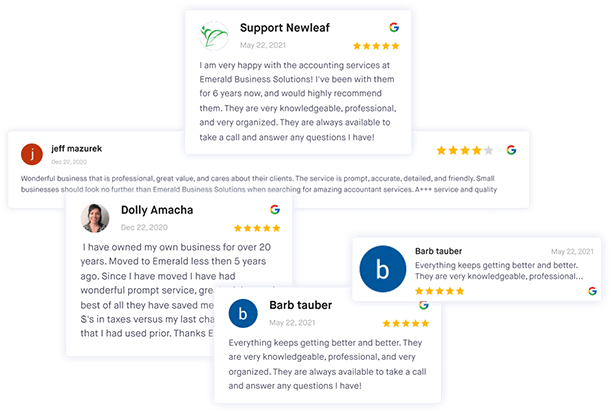
- Showcase your best reviews. Once you've built up a solid collection, display it where prospects can see it. LocalImpact's review widget lets you embed your top Google reviews directly on your website.
Get more Google reviews for your business
Generate more Google reviews for your business with LocalImpact's automated tools.
Key takeaways
The "Review us on Google" sticker remains one of the simplest ways to turn foot traffic into reviews, even though Google no longer provides an official version. Since the Marketing Kit shut down, creating your own sticker is the only route, and it's easier than the old process.
LocalImpact's free QR code generator produces a print-ready sticker from nothing more than your business name and email. Place it where customers naturally pause, pair it with direct review requests, and respond to the feedback that comes in.
Reviews compound over time. The sooner your sticker is up, the sooner every customer who walks through your door becomes a potential reviewer.