Free Tool
Google Review Removal Checker
Find out whether a Google review may violate Google's policies and
what you can do about it.
Potential policy violation
Review may qualify for removal
What we found
Potential policy concern:
Recommended next steps
This assessment is informational. Google makes the final removal decision.
More information needed
More evidence needed
What we found
Potential policy concern:
Recommended next steps
This assessment is informational. Google makes the final removal decision.
No clear policy violation
Review is unlikely to qualify based on its text
What we found
Potential policy concern:
Recommended next steps
This assessment is informational. Google makes the final removal decision.
Independent tool by LocalImpact. Not affiliated with or endorsed by Google.
How the checker works
Get a clearer picture of your options in three simple steps.
Paste the review
Enter the review text and tell us why you think it should be removed.
Check for potential violations
The checker assesses the text and your context against common Google review policy categories.
Understand your next steps
See what may be reportable, what remains uncertain, and how to proceed.
Which Google reviews can be removed?
Google may remove reviews that violate its content policies. A negative or unfair review isn't automatically eligible for removal.
These are some common categories to consider. Google makes the final decision.
-
Fake reviews and spam
Content not based on genuine experiences, or posted to manipulate ratings.
-
Harassment and harmful content
Certain threats, targeted harassment, and offensive or dangerous content.
-
Private personal information
Content that improperly exposes private personal information.
-
Conflicts of interest
Reviews posted to manipulate ratings, including certain competitor or insider reviews.
-
Off-topic content
Content unrelated to an experience with the business or location.
How to report a Google review
If the review appears to violate a policy, report it through Google's official tools. Keep your report accurate and focused on the relevant policy.
-
Report the review
Find the review on your Business Profile or Google Maps and choose the reporting option.
-
Select the relevant violation
Choose the policy category that best fits the content.
-
Check the decision
Google evaluates the report. Certain decisions may be eligible for appeal.
-
Respond professionally if needed
If the review remains, consider a calm, helpful public response without disclosing private information.
Frequently Asked Questions
You can report reviews that violate Google's policies, but you cannot directly delete reviews posted by others. Google decides whether to remove them.
Google prohibits fake engagement, but removal is not guaranteed. Evidence of a policy violation can help you understand which reporting category is relevant.
A reviewer may have a genuine experience without making a purchase. Not recognizing their name alone does not establish a violation. If you suspect fabricated content, you can report it.
Timing varies. Google's review process may take several days, and removal is not guaranteed.
Google offers an appeals process for certain decisions. Check the status of your report and the options available in Google's review management tools.
Yes. No signup is required. Results are informational and cannot guarantee that Google will remove a review.
Got a question? Click here to contact us!
Explore our other free tools
Helpful tools to simplify review collection and reputation management.
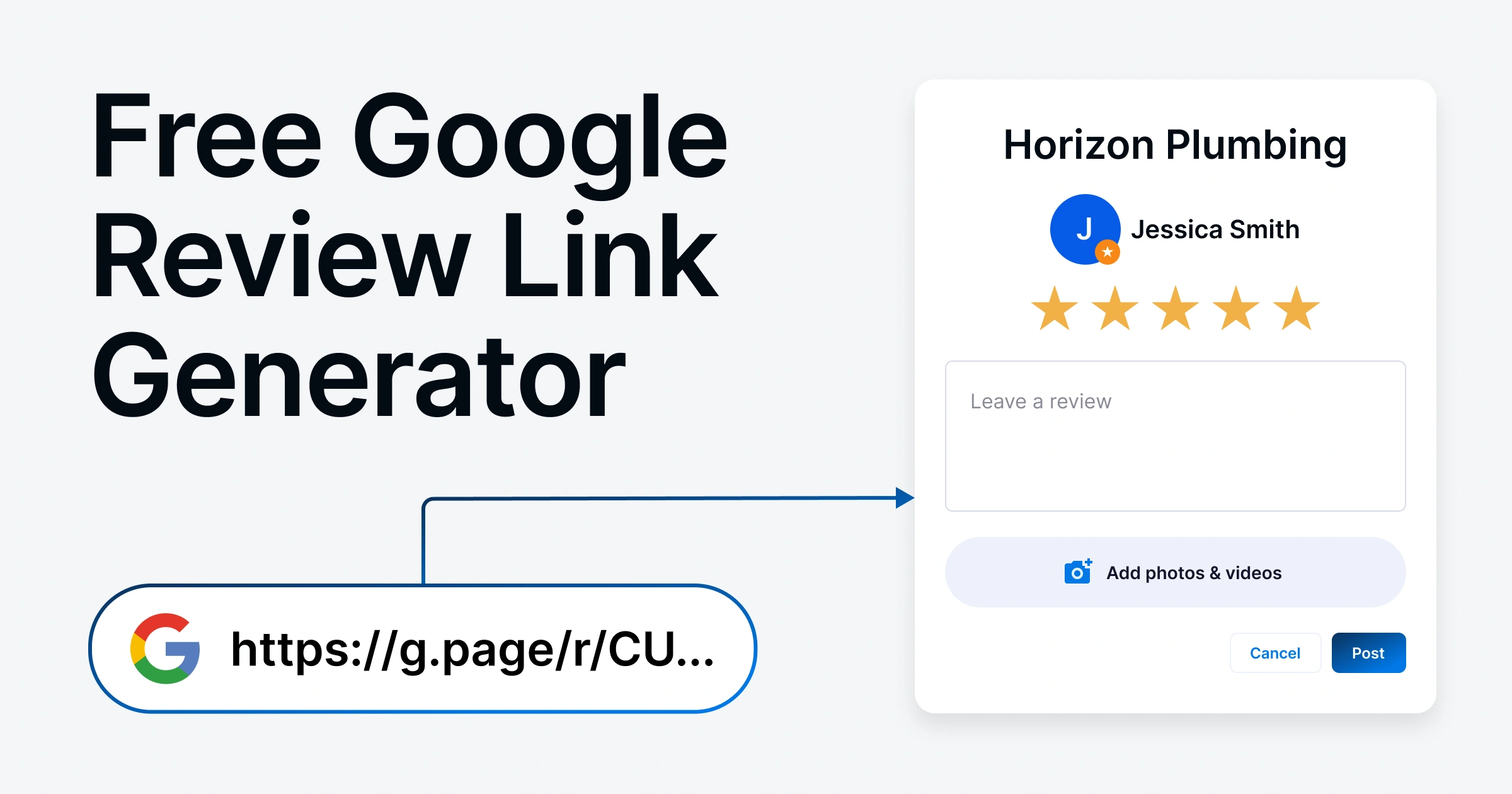
Google Review Link Generator
Generate a direct Google review link so customers can leave feedback easily.
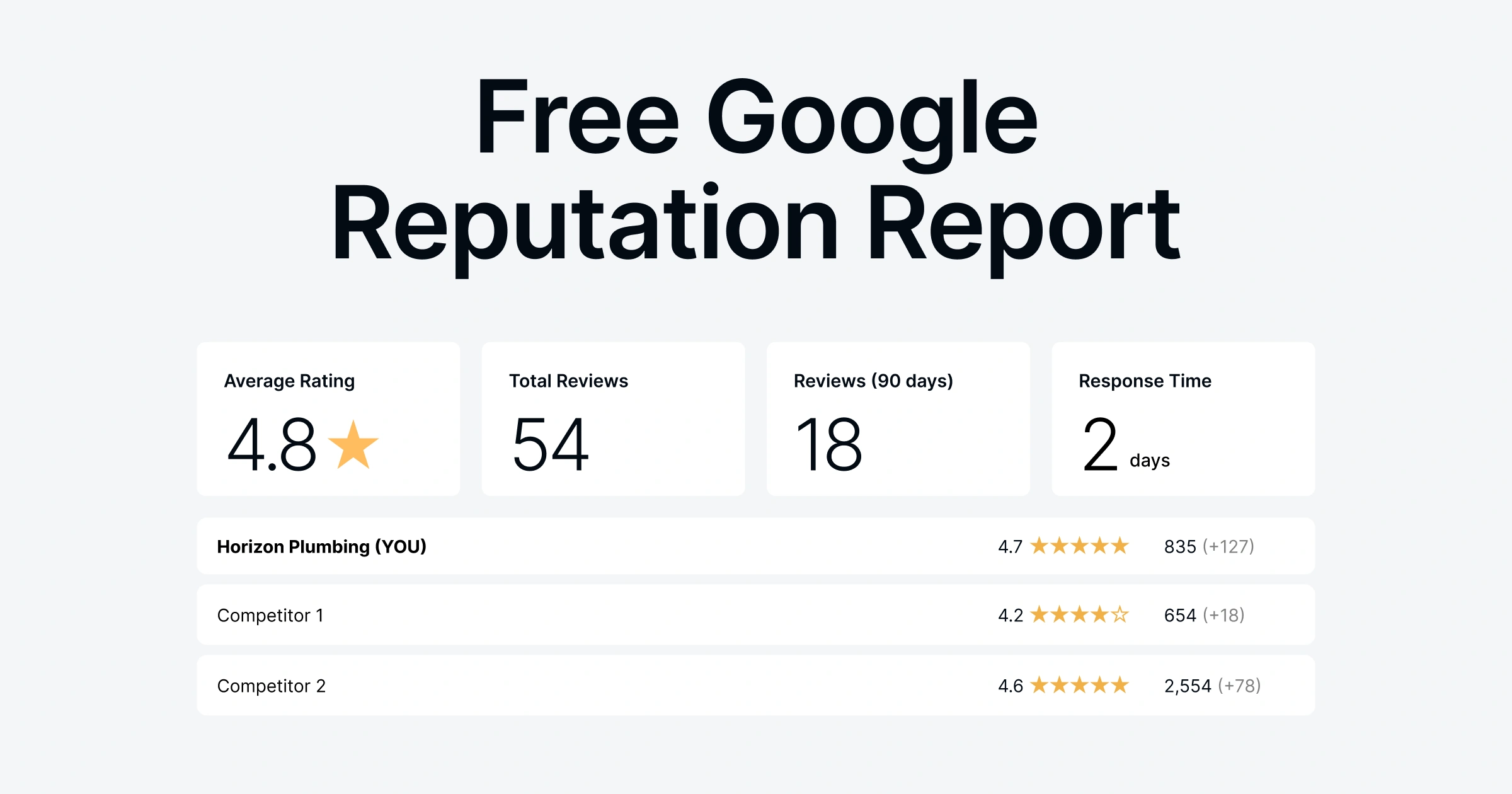
Google Reputation Report
Compare your reviews to competitors, identify gaps, and improve your visibility.
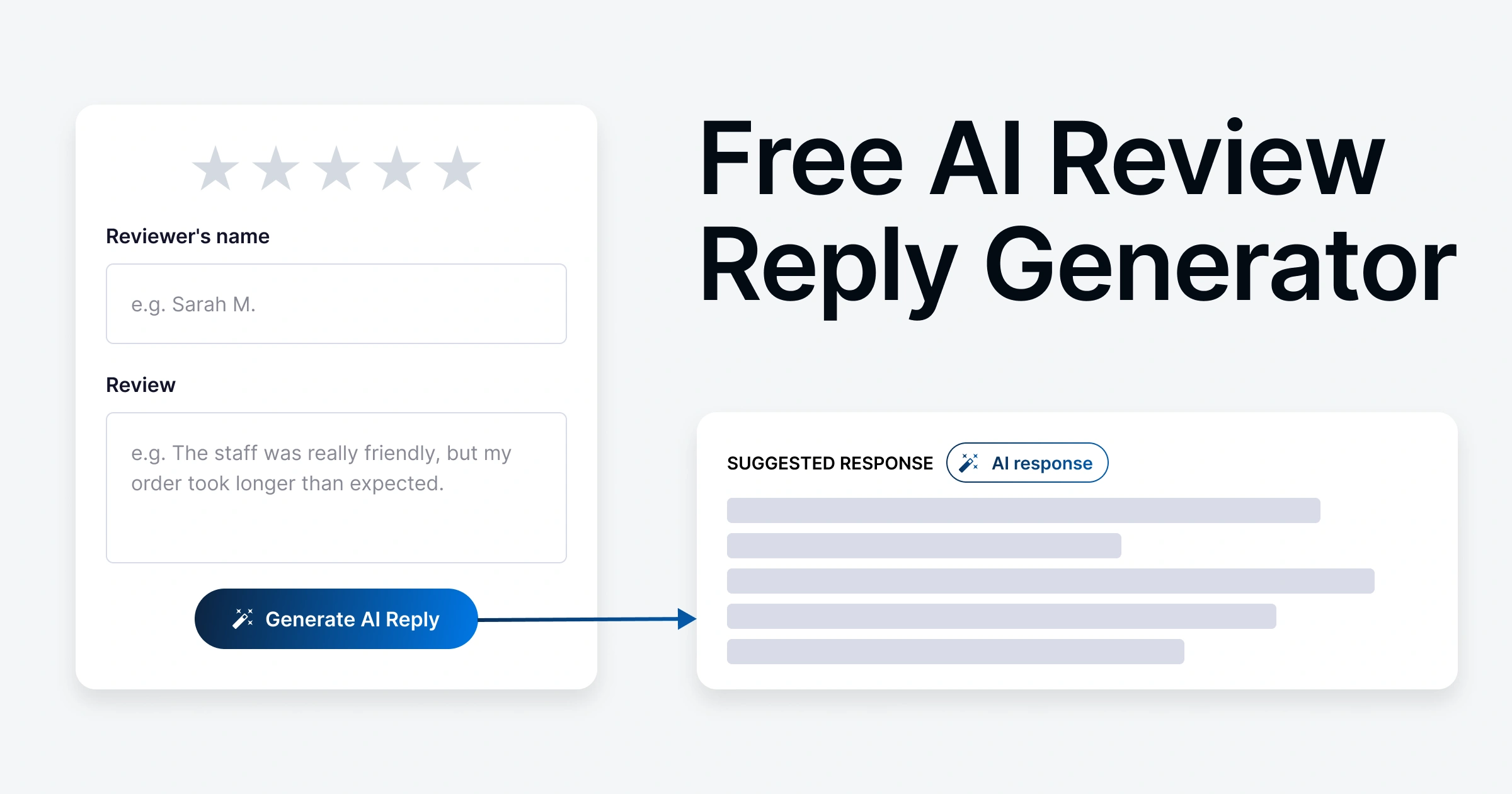
AI Review Reply Generator
Generate professional replies to customer reviews in seconds.
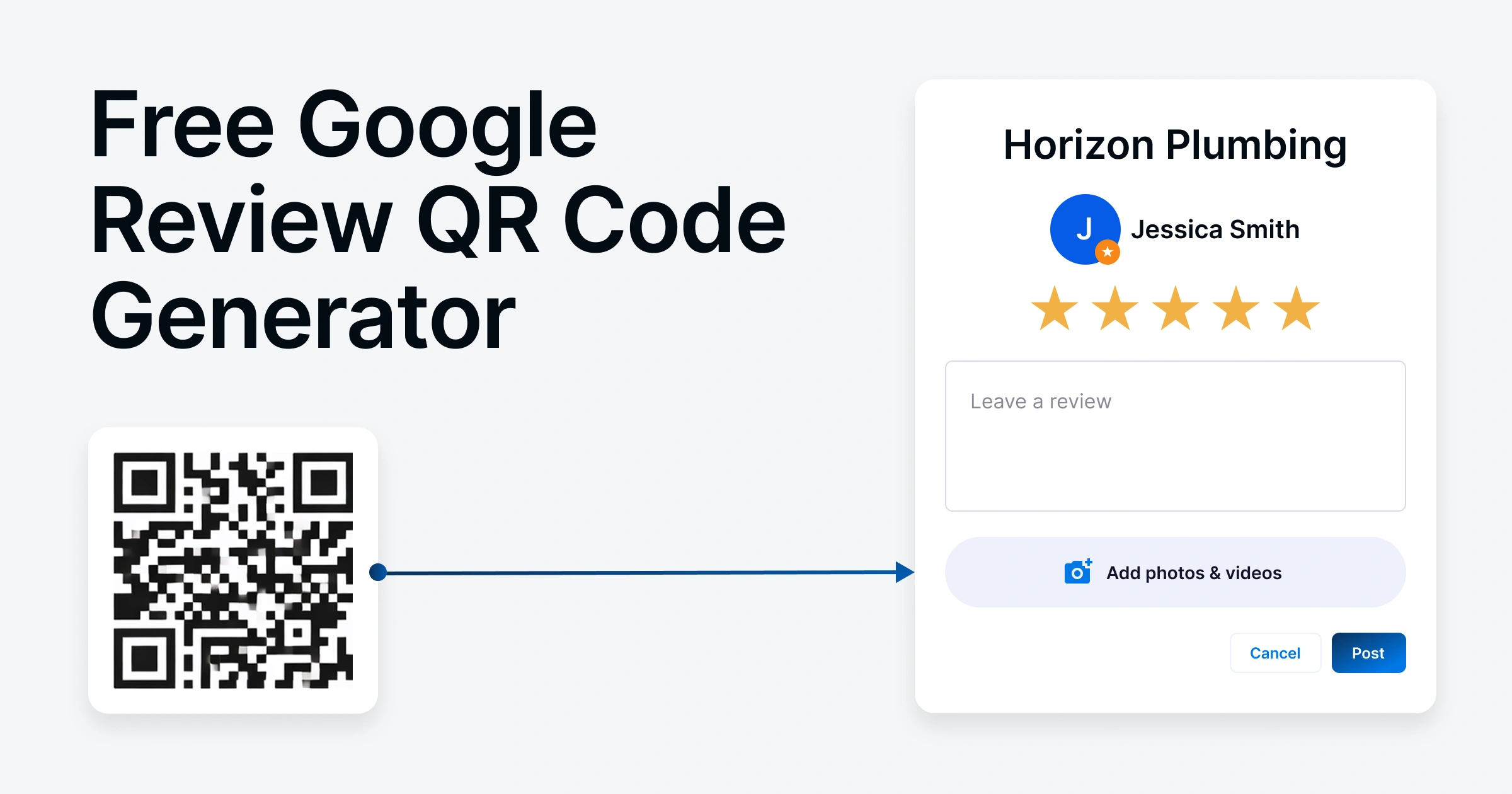
Google Review QR Code Generator
Create a QR code that links to your Google review page for quick customer reviews.
Take control of your online reputation
Monitor new reviews, respond faster with AI, and build a stronger reputation with LocalImpact.